Different workflows call for different editors. Here's a detailed look at all the strong options, every one of them is a legitimate choice depending on what you need.
01
APIVoid Notepad
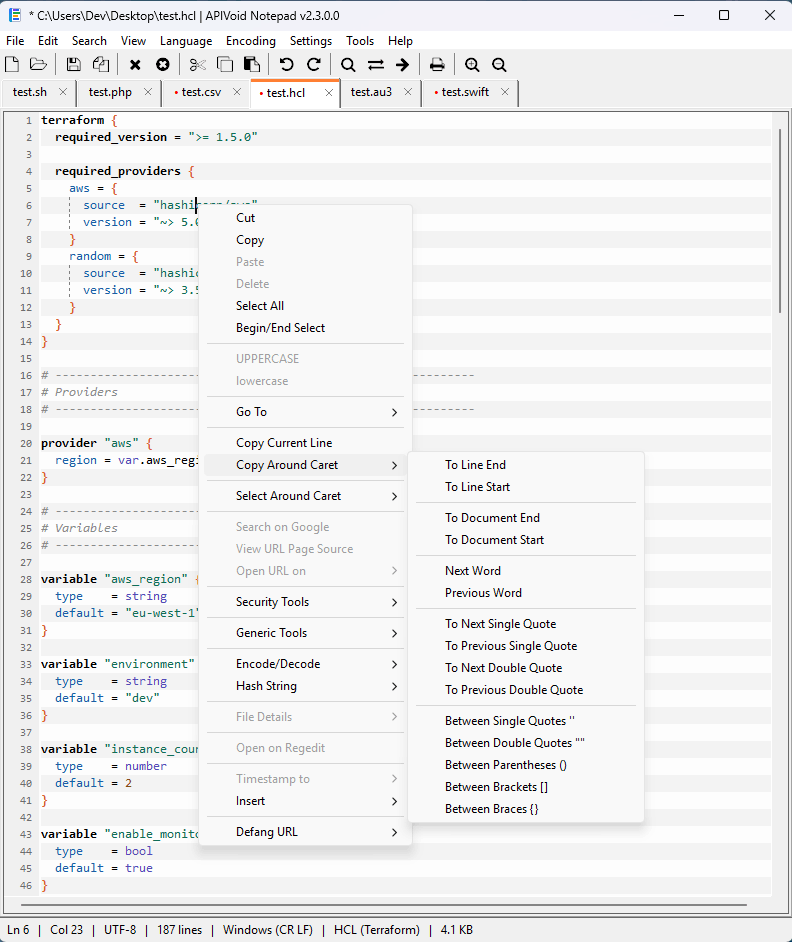
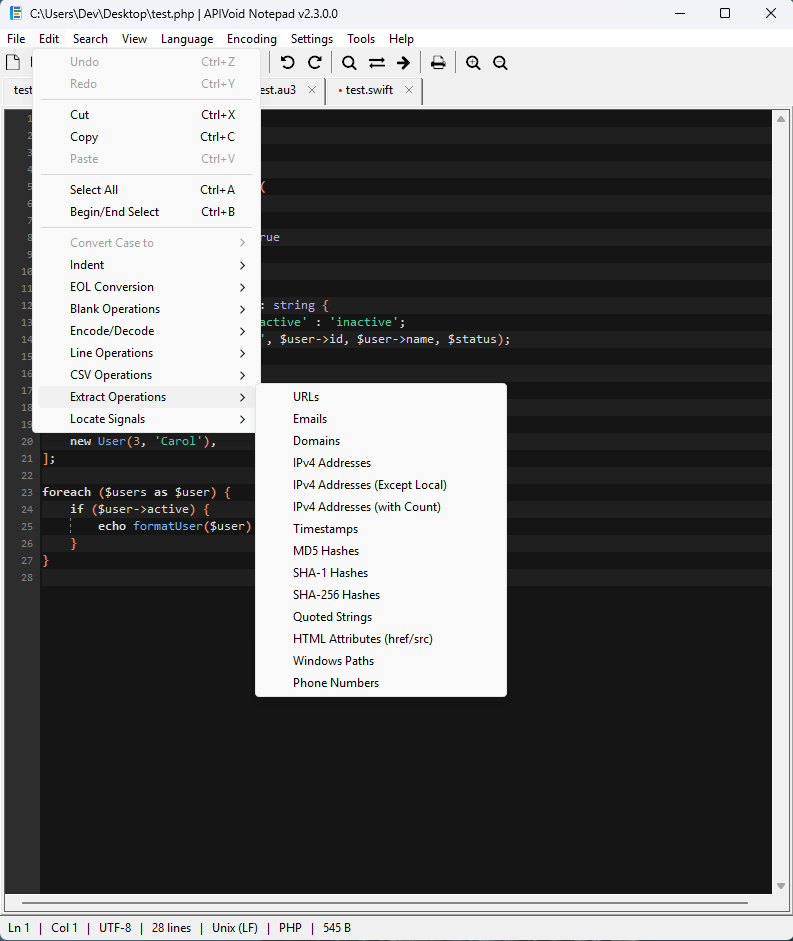
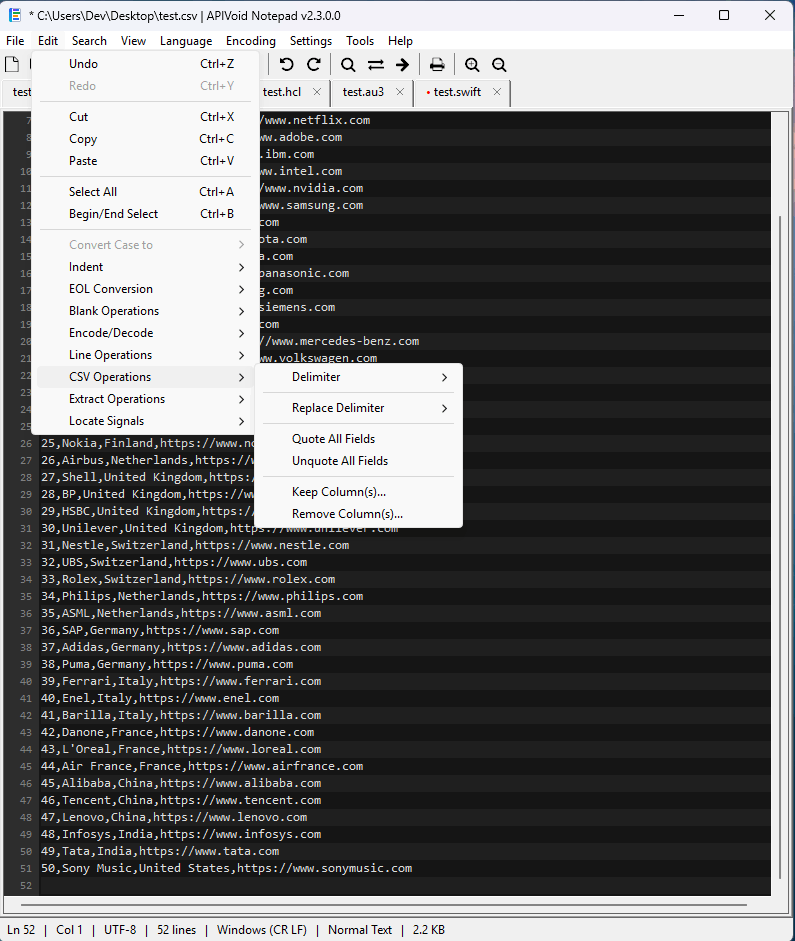
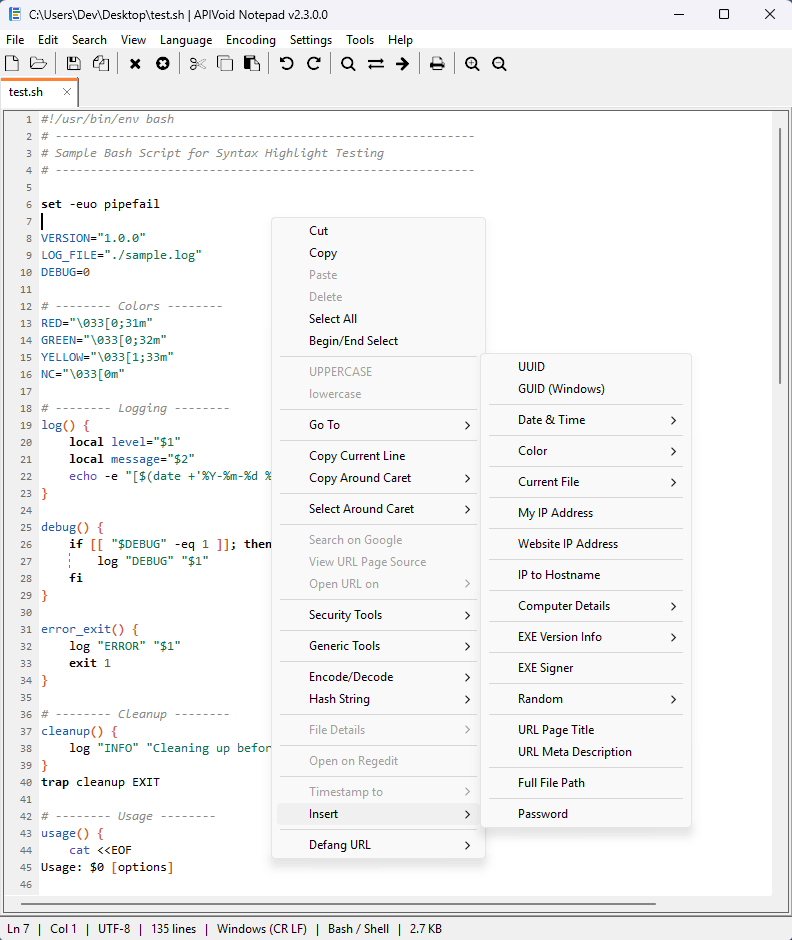
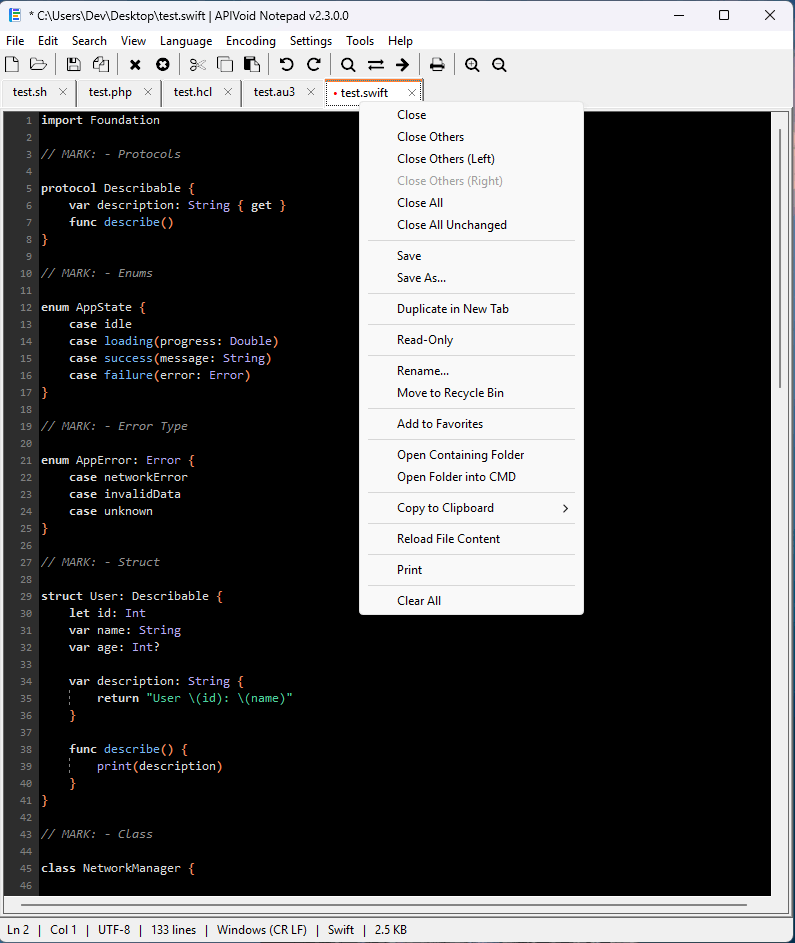
Built for analysts. A free, fast tabbed editor for Windows 10 and 11 with syntax highlighting for 40+ languages, Find in Files with regex, CSV operations, extraction of URLs, IPs and hashes, log triage, file hashing and much more built in, no plugins needed.
Get APIVoid Notepad →
02
NotepadNext
An open-source, cross-platform reimplementation of Notepad++ built with C++ and Qt. If you love Notepad++ but want a modern codebase and a cleaner look, this is the closest like-for-like replacement. Its official page says it still has some bugs that need to be fixed.
Get NotepadNext →
03
Sublime Text Paid
Legendary for its speed, Goto Anything navigation, and multi-cursor editing. Handles huge files gracefully and has a rich package ecosystem. A license costs $99, but the unlimited evaluation lets you try it as long as you like. Its dark, modern UI will make typing more comfortable.
Get Sublime Text →
04
Visual Studio Code
Microsoft's free editor is closer to a lightweight IDE and used by developers worldwide: IntelliSense, debugging, Git integration, and tens of thousands of extensions. The trade-off may be a heavier Electron app that starts slower and struggles with very large files.
Get VS Code →
05
EditPad Pro Paid
From the maker of RegexBuddy, EditPad Pro pairs comfortable tabbed editing with arguably the most capable regular-expression search and replace of any currently available Windows editor, plus file comparison and hex mode.
Get EditPad Pro →
06
UltraEdit Paid
A commercial heavyweight around since 1994, famous for opening multi-gigabyte files that choke other editors. It adds hex editing, column/block mode, integrated FTP/SFTP, and scriptable macros. Subscription-based, with free trial.
Get UltraEdit →
07
Kate
KDE's veteran editor runs great on Windows these days. It offers split views, sessions, an integrated terminal, and LSP-powered code intelligence; all free and open source, with highlighting for hundreds of formats.
Get Kate →
08
Notepad3
Rizonesoft's actively maintained fork of Notepad2 adds code folding, bracket matching, and more syntax schemes while staying extremely light. A great drop-in replacement for Windows Notepad when tabs aren't required.
Get Notepad3 →
09
Notepad4
A modern fork in the Notepad2 lineage with an up-to-date Scintilla engine, syntax highlighting for a huge number of languages, and code folding (a feature highly demanded by developers); still tiny and fast, with no installation complexity.
Get Notepad4 →
10
Notepad2
The original minimalist: a single small executable with Scintilla-based syntax highlighting and no tabs, no plugins, no fuss. Development has slowed, but it remains a beloved, free, simple to use, zero-setup Notepad upgrade.
Get Notepad2 →
11
Obsidian
Not a code editor. Obsidian is a Markdown knowledge base with backlinks, graph view, and a huge plugin community. If you were using Notepad++ mainly for notes rather than code, it's a far better home for them.
Get Obsidian →
12
Windows Notepad
The editor you already have. Microsoft's built-in Notepad has grown up on Windows 11 with tabs, autosave, dark mode and spell check. No syntax highlighting or advanced tools, but for quick edits it's hard to beat.
Get Windows Notepad →